
Start here · 6 min read
How to Play PokéBonk — Your First Run
Updated
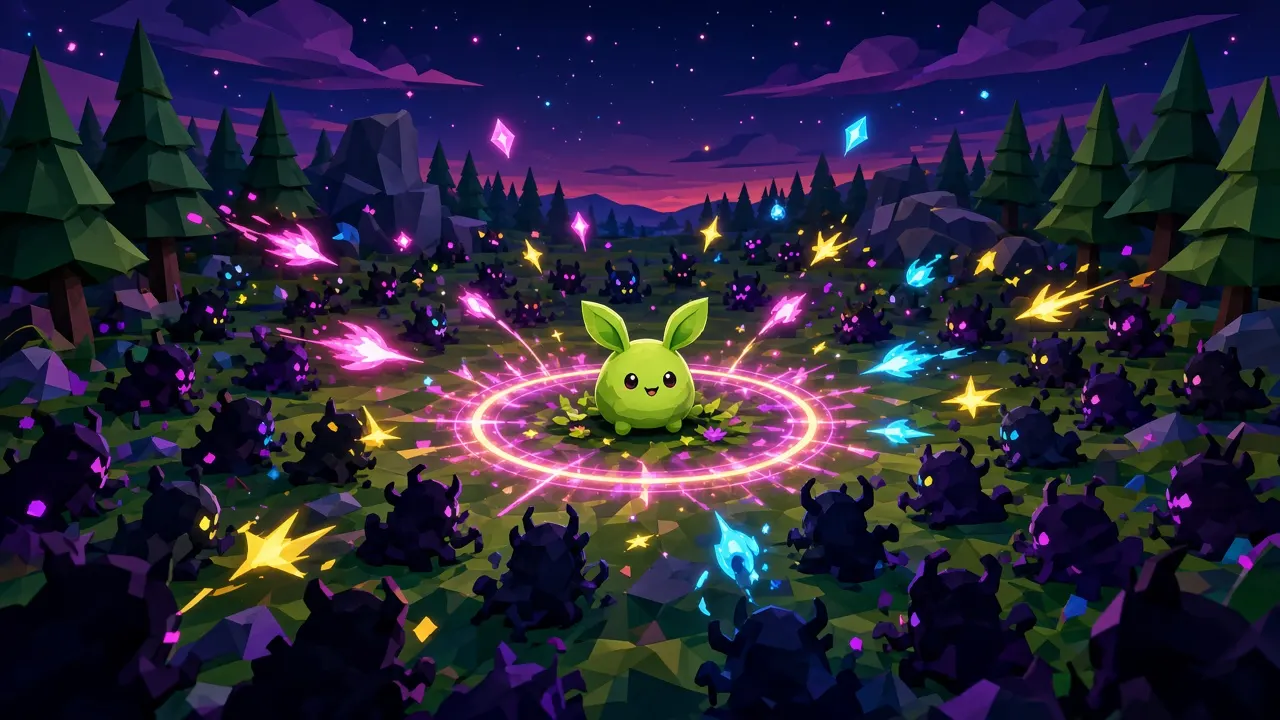
What kind of game is PokéBonk?
PokéBonk is a free 3D survivor roguelite that runs in your browser. You steer a single Pokémon partner through a region while waves of wild Pokémon close in; your moves fire automatically and you decide where to stand and which upgrades to take. Every run starts fresh, but Stardust earned in runs buys permanent upgrades in the Lab.
The game is an unofficial fan project made by one developer, Charcher, and is currently in open beta. It covers the original 151 Kanto Pokémon, of which a subset (79 at the time of Patch #4) are playable League partners.
Starting your first run
- Open the game (our Play page embeds it) and choose Guest — progress is still saved on that device.
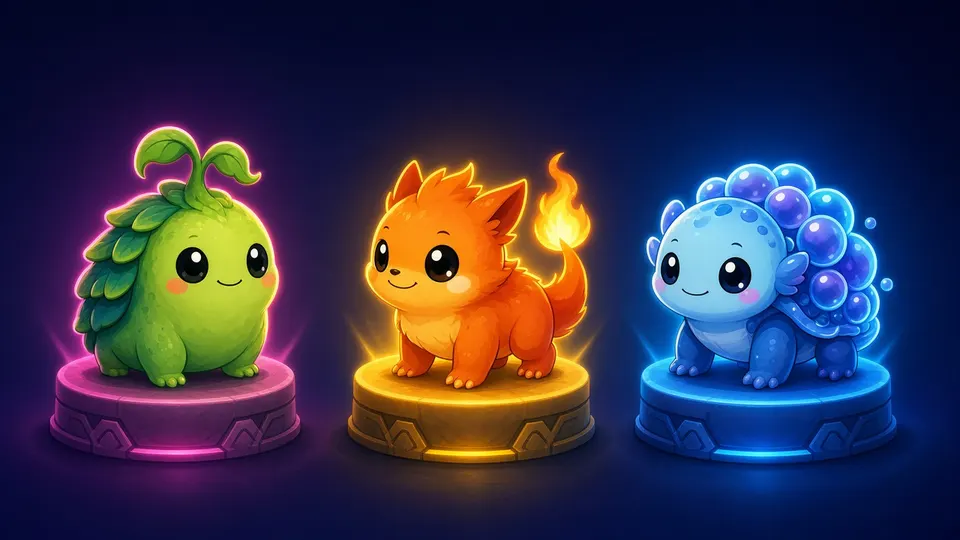
- Pick Play → Classic and choose a partner. New players get Bulbasaur, Charmander or Squirtle; see the starter comparison.
- Choose Viridian Forest, the first region, and Normal difficulty.
- Read your partner card: passive, starting move and Ultimate options.
- Start — then never stop moving.
Classic vs Survival
| Mode | Goal | Best for |
|---|---|---|
| Classic | Clear three zones, beat each zone guardian, then the region shrine legendary. | Learning and Time Attack |
| Survival | Endure endless hordes on open maps for as long as possible; milestones and legendaries award Stardust. | Long sessions and high scores |
| Lavender Tower (event) | Climb seven floors of three waves each, then endless floors. | The Halloween leaderboard, until 4 Nov 2026 |
Controls cheat-sheet
| Action | Keyboard / mouse | Controller |
|---|---|---|
| Move | WASD | Left stick |
| Camera | Mouse / drag with left click | Right stick |
| Jump | Space | A |
| Slide / dive in air | Shift | B |
| Interact, take item | E (Enter) | X |
| Ultimate | R (hold for auto) | Y |
| Sell Poké Ball item | V | — |
| Big map | M, or hold Tab | Select |
| Pause | P (Esc outside fullscreen) | Start |
| Auto-run | T | — |
| Pick level-up card | 1–9 | D-pad |
Every key and button can be remapped in Settings → Keys, and remaps persist since Patch #7. In fullscreen, use P to pause so Esc does not drop you out of fullscreen.
Altars, Poké Balls and the map
Each zone is dotted with things to use. Unown altars must be charged by staying inside their circle; when full you pick a blessing. Poké Balls cost ₽ and let you choose one of three items. Meowth runs a shop, and the guardian altar wakes the zone boss. Once the guardian falls, a portal takes you onward.
Open the big map with M (or hold Tab to peek without pausing). You can drop up to three markers or click an icon to follow it — the distance shows on screen. If the distance stops shrinking, there is a cliff in the way: jump or walk around.
Picking level-up cards
Kills drop candies (EXP). Each level offers cards: a new move, a move upgrade or a vitamin (stat boost). Cards list “Affects: …” — if none of your moves is listed, the card does nothing for you right now. More in the level-up guide.
Frequently asked questions
Is PokéBonk free?
Yes. It runs in any modern browser at pokebonk.com with no download or payment.
Do I need an account?
No. Guest play saves progress locally, but only registered accounts appear on leaderboards.
Can I play PokéBonk on mobile?
Yes. Touch controls, a fixed-joystick option and a battery saver mode (30 fps) are built in.
How do I pause in fullscreen?
Press P (or Start on a controller). Esc may exit fullscreen instead.
Related guides

Spotted something outdated? Tell us. Sources: developer patch notes and in-game observation; see About.